Available now
Chrome
Install Cat Gatekeeper from the official Chrome Web Store listing. This is the main public release today.
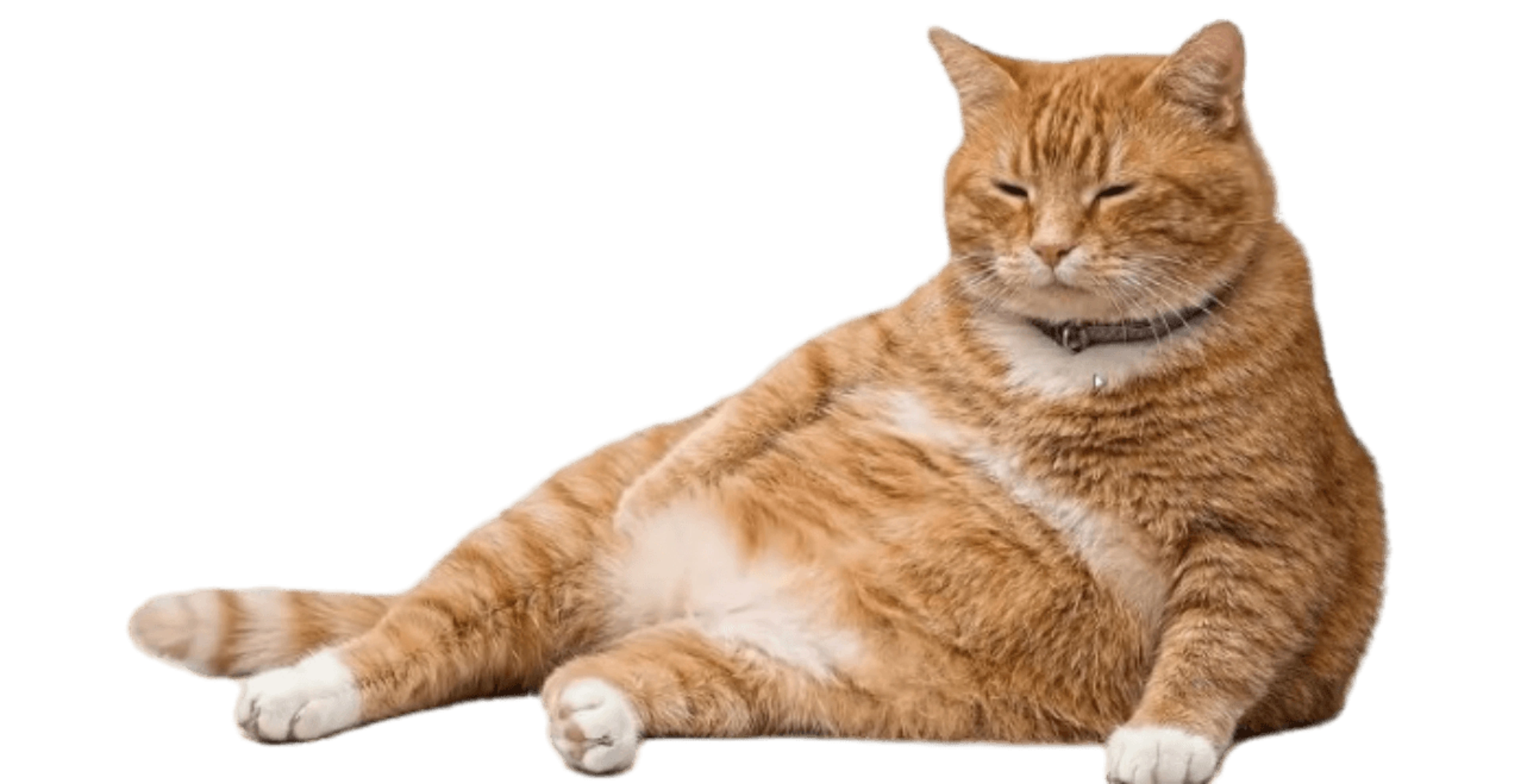
Open Chrome StoreYou just meant to check one feed. Cat Gatekeeper turns that familiar "just one more post" spiral into a clean stopping point: a giant orange cat walks onto the page, blocks the feed, and makes the break harder to bargain with.
Cat Gatekeeper is a playful browser extension for people who know the problem: one quick feed check turns into an hour. Instead of a small reminder, Cat Gatekeeper changes the state of the page.
When the limit is reached, Cat Gatekeeper places a giant cat overlay in front of the site. If you cannot stop yourself from scrolling, the cat stops the screen for you.
The original concept and extension were created by Japanese indie developer konekone2026, also known as ZOKUZOKU. This page explains how Cat Gatekeeper works and where to install it today.
If you came here after seeing the cat take over someone else's screen, use the official Chrome extension now. Firefox searchers should verify the add-on developer and permissions before installing any port.
Install Cat Gatekeeper from the official Chrome Web Store listing. This is the main public release today.
Open Chrome StoreMozilla Add-ons now has Cat Gatekeeper-style ports, while the original project page remains Chrome-first. Check the developer, permissions, reviews, and official links before installing.
Check Mozilla listingThere is no official iPhone app for this project. NekoLock is a similar cat-themed iPhone blocker, but it is a separate app.
View NekoLockOn desktop, the current release works through Chrome. The official site also signals a standalone desktop app as coming soon.
Install for ChromeThere is no official Android release at this time. Use the official links before trusting lookalike apps.
Follow official updatesInstall the official Chrome extension, then choose which sites deserve a cat-sized pause.

Open the Chrome Web Store listing, confirm the name and developer, then add it to Chrome. Pin the icon so the menu is easy to find.

Use the menu for the social tabs that eat time: YouTube, X, Reddit, TikTok, Instagram, Threads, Facebook, or Bluesky. Current Chrome builds also let you add custom target sites; they work best on services where you stay on the same site for a while.

When the active tab reaches the limit, the cat overlay and countdown cover the page. Use the pause to step away or choose deliberately.
If the cat does not appear, test a one-minute timer, pin the extension icon, and temporarily disable other blockers.
It does not whisper from the corner. It changes what is on the screen, which makes the next scroll less automatic.
A stern warning is easy to resent. A ridiculous cat is easier to accept, even when the break is strict.
The official listing says page access is used for the cat overlay and that data is not collected or sent externally.
The countdown turns the interruption into a small pause, not a vague command to become a better person forever.
The best part is the moment the page stops being negotiable. It turns an invisible habit into something visible, funny, and easier to step away from.
Use Cat Gatekeeper on the social sites where five minutes tends to become the rest of the evening. The Chrome listing now supports the default social sites plus custom target sites.
The timer focuses on active browsing. A forgotten background tab is not the point; the tool is about the tab you are actually feeding with attention.
When time is up, the cat overlay and countdown appear. The page is still there, but the habit loop has been interrupted.
No. This is an independent information site. Cat Gatekeeper is an official project by ZOKUZOKU / konekone2026; use the official site, Chrome Web Store, GitHub, and creator X links in the footer for primary updates.
Cat Gatekeeper was created by Japanese indie developer konekone2026, also known as ZOKUZOKU. The idea spread quickly because the cat overlay is instantly understandable.
Cat Gatekeeper watches the time you spend on selected social sites. When the limit is reached, a large cat overlay appears with a countdown so you actually pause instead of continuing to scroll.
Cat Gatekeeper is built for social sites where feeds keep pulling you back. Current public materials mention X, Threads, Reddit, Facebook, YouTube, Bluesky, Instagram, and TikTok, and recent Chrome builds can add custom target sites. Check the extension menu for the selectable list in your installed version.
Yes. The official Chrome extension is free to use, and the Chrome Web Store listing describes it as free with no ads.
Yes. Open the Cat Gatekeeper extension menu to adjust the usage limit and break length. The common starting point is a 60-minute usage limit and a 5-minute cat break.
It focuses on active use. The supported social tab needs to be active for the timer to matter, so a forgotten background tab is not the same as active scrolling.
Yes. You can open the extension menu and dismiss the break, though the whole point is to make the pause harder to negotiate with.
Open it from the Cat Gatekeeper extension icon near the browser address bar. If you do not see it, pin the extension from Chrome’s extensions menu.
Site access is used to display the cat break screen on the sites you choose. Cat Gatekeeper is not meant to collect, sell, or transmit your browsing history or page content; settings stay in the browser.
The Chrome Web Store privacy section says the developer has disclosed that the extension will not collect or use your data.
Set the timer to 1 minute first and test on a supported site. If the cat still does not appear, another extension may be conflicting, so test again after turning other extensions off.
Firefox Add-ons now shows Cat Gatekeeper-style ports, but the original ZOKUZOKU project page still presents Chrome as the primary public path. Before installing a Firefox add-on, verify the developer identity, permissions, reviews, and support links.
Sharing screenshots or posts is fine, but do not reuse or redistribute the Cat Gatekeeper image and video assets themselves. New cats are planned for future updates.
There is no official Cat Gatekeeper mobile app right now. A desktop app is still coming soon, while iPhone apps such as NekoLock are separate products, not Cat Gatekeeper.
They are idealized cats created with AI assistance and adjusted to feel like lovable little gatekeepers for your desk.
Read deeper notes about using Cat Gatekeeper, checking platform availability, and comparing similar cat-themed blockers without confusing them for the official project.
Make the next "just five more minutes" meet the cat.